Batch Create
Take one idea for a spin with several creations of an approved playable.

Choose your idea
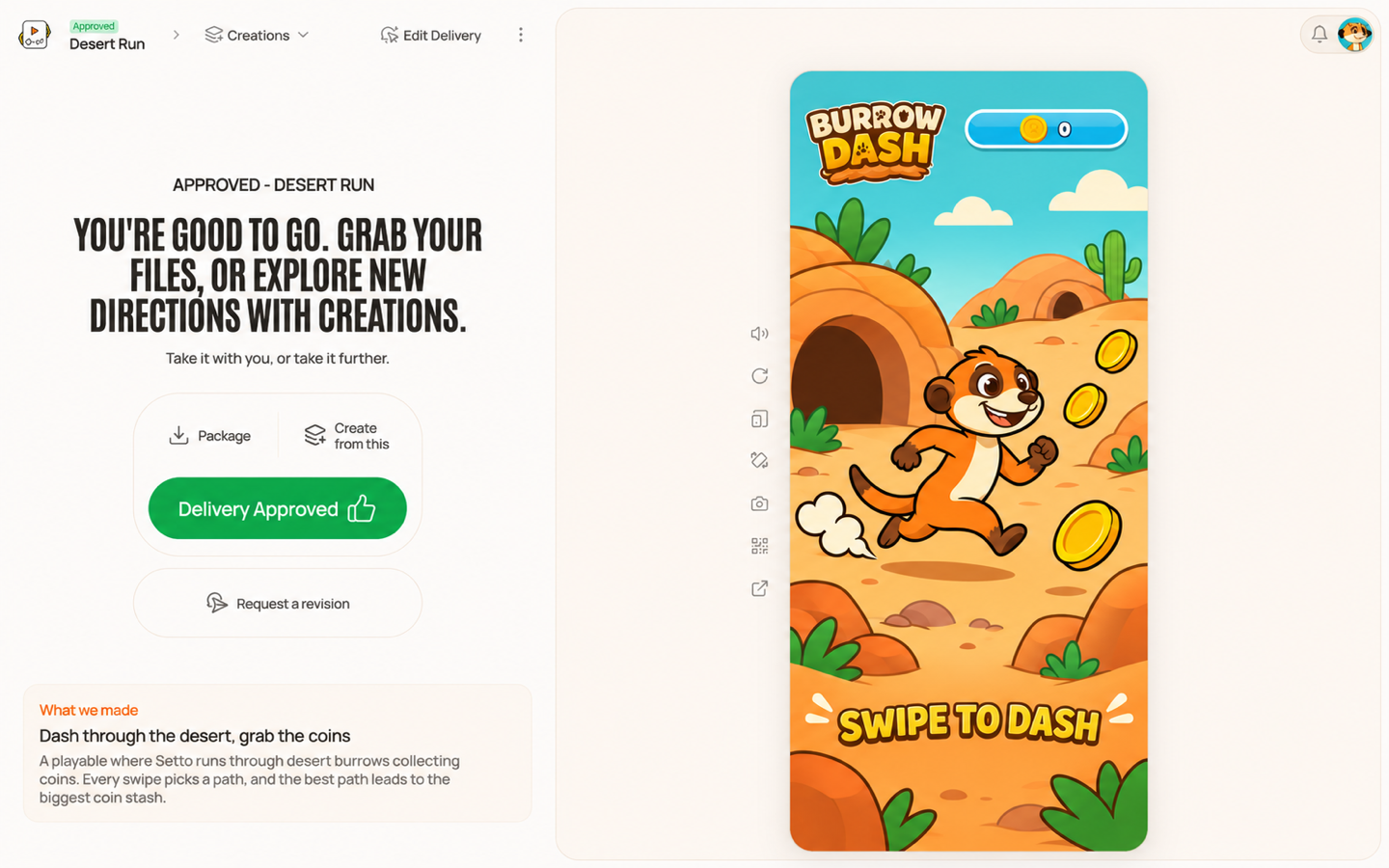
- Press Create from this on the playable's start screen.
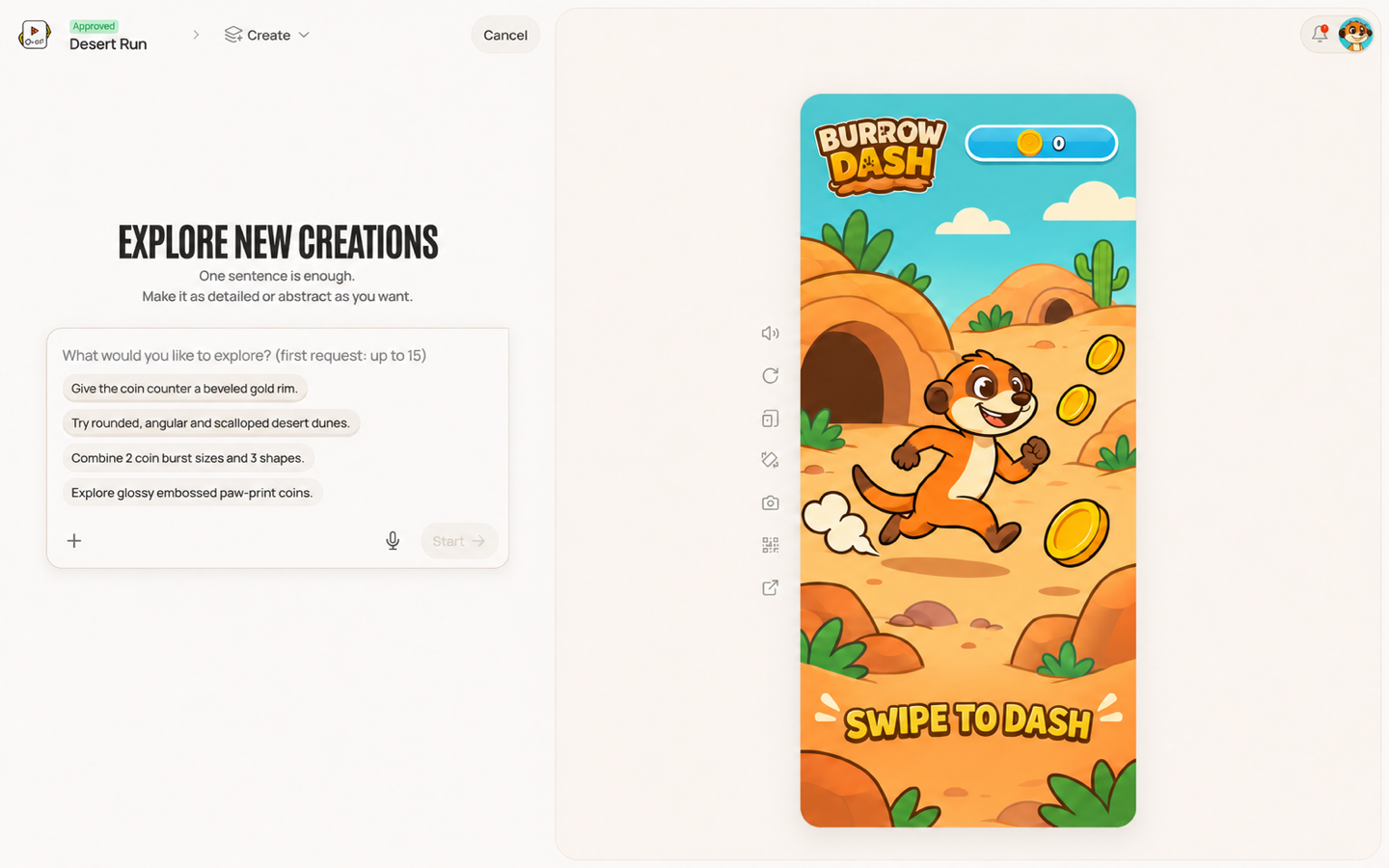
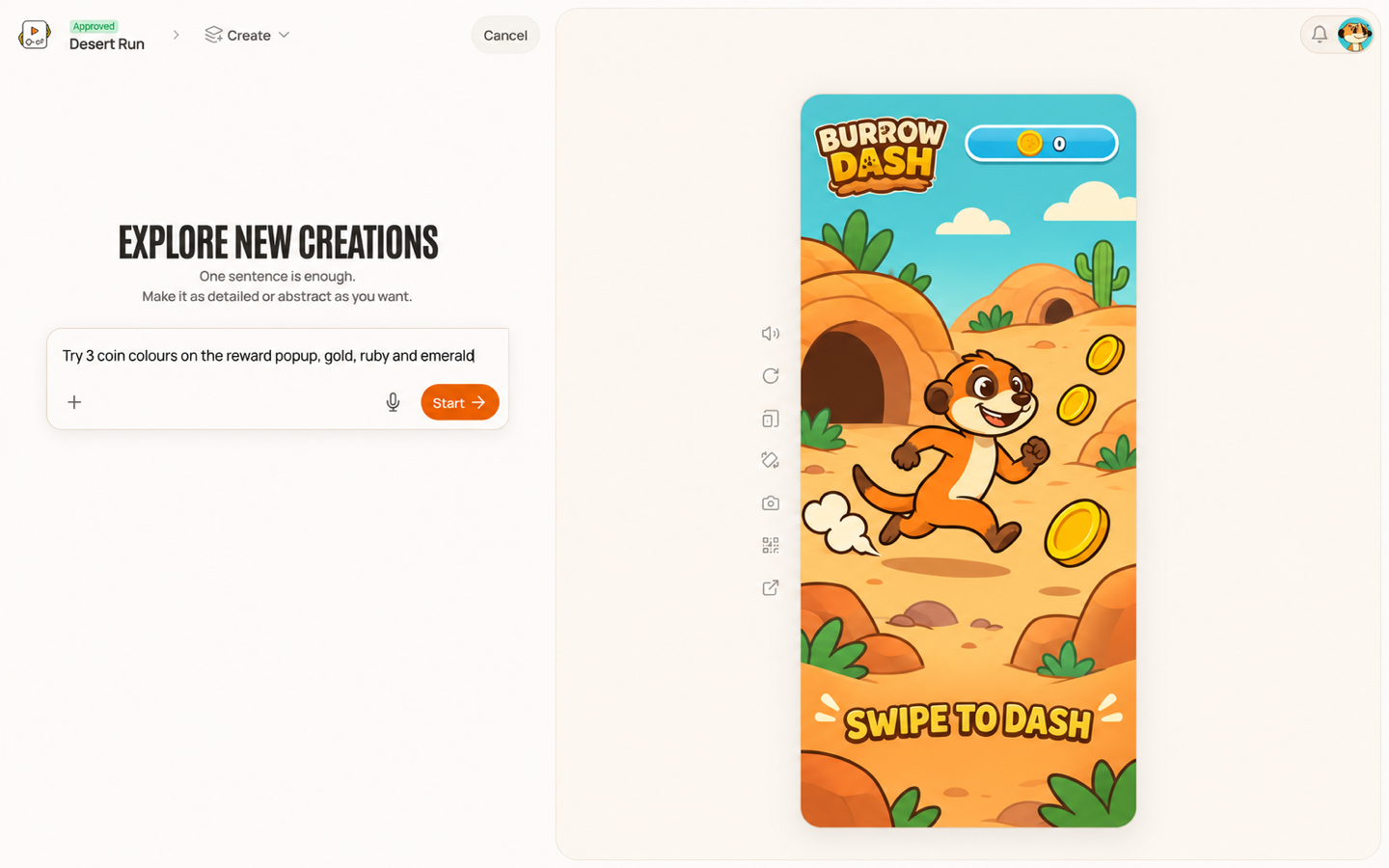
- Pick a suggestion or write your idea, then press Start.
- See your plan appear.
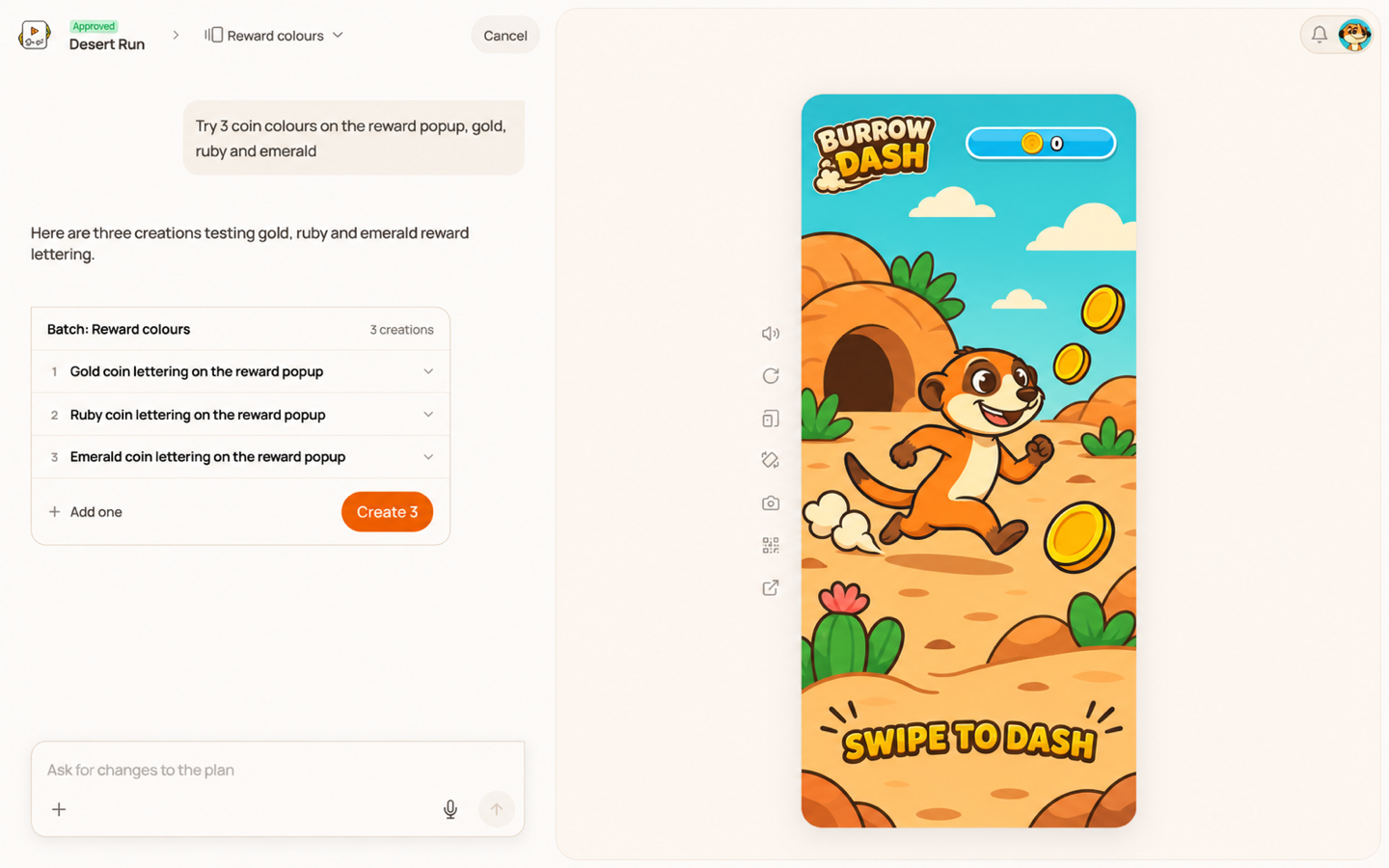
Shape your plan
Click any creation to read its full description. Chat with the agent to get the plan how you like it.
Happy with it? Press Create.
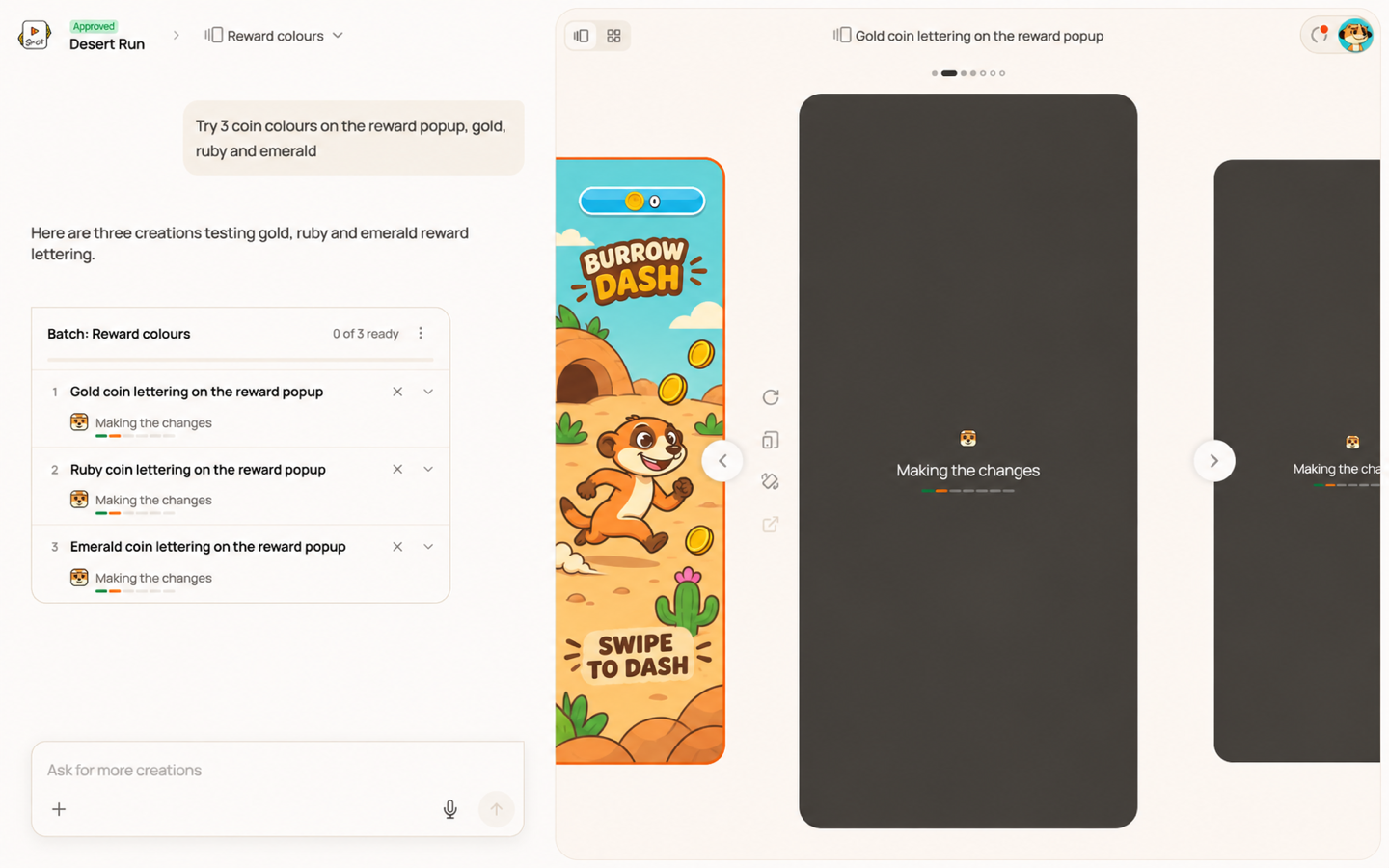
Follow their progress
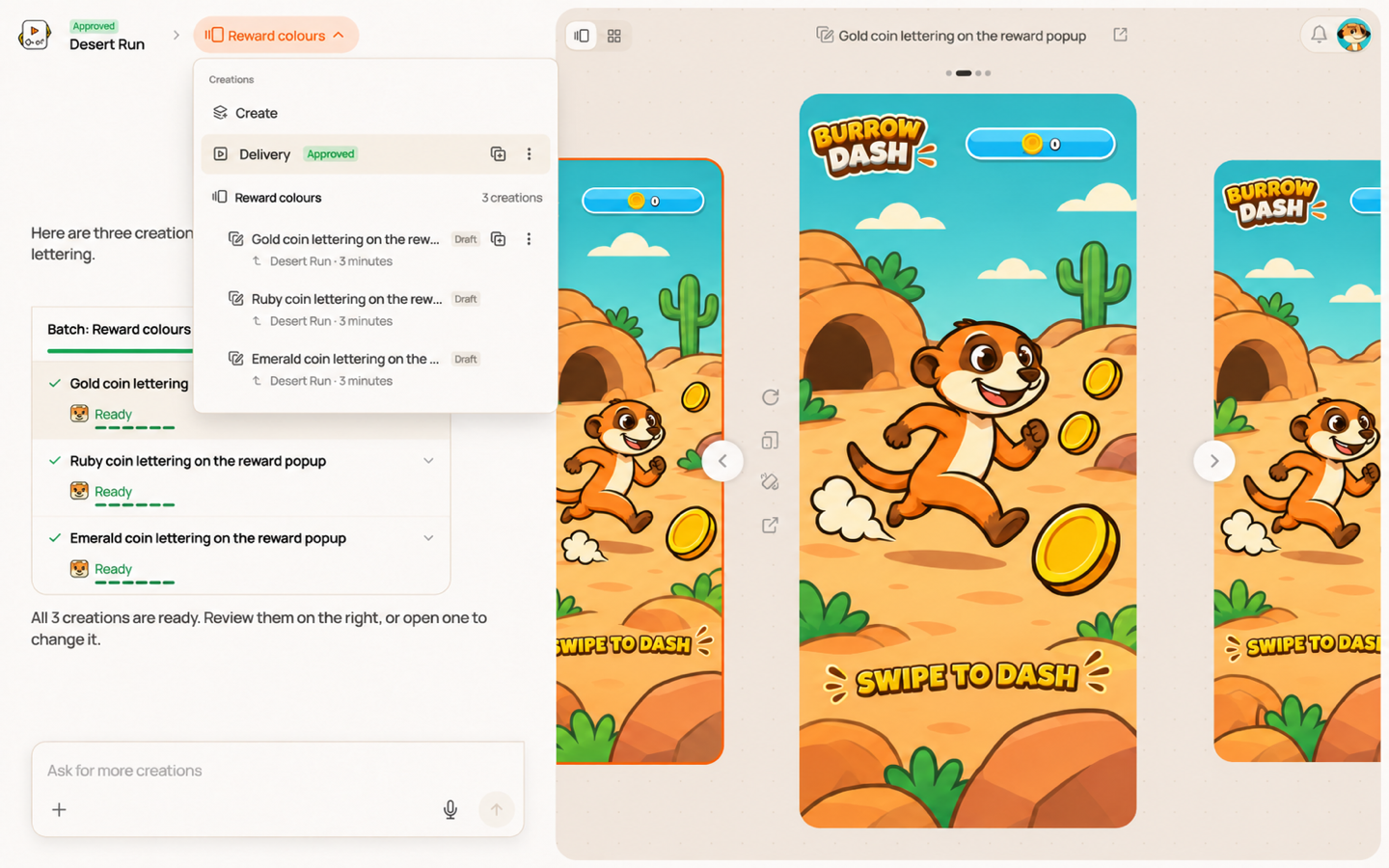
Watch your creations take shape in the list and on their cards.
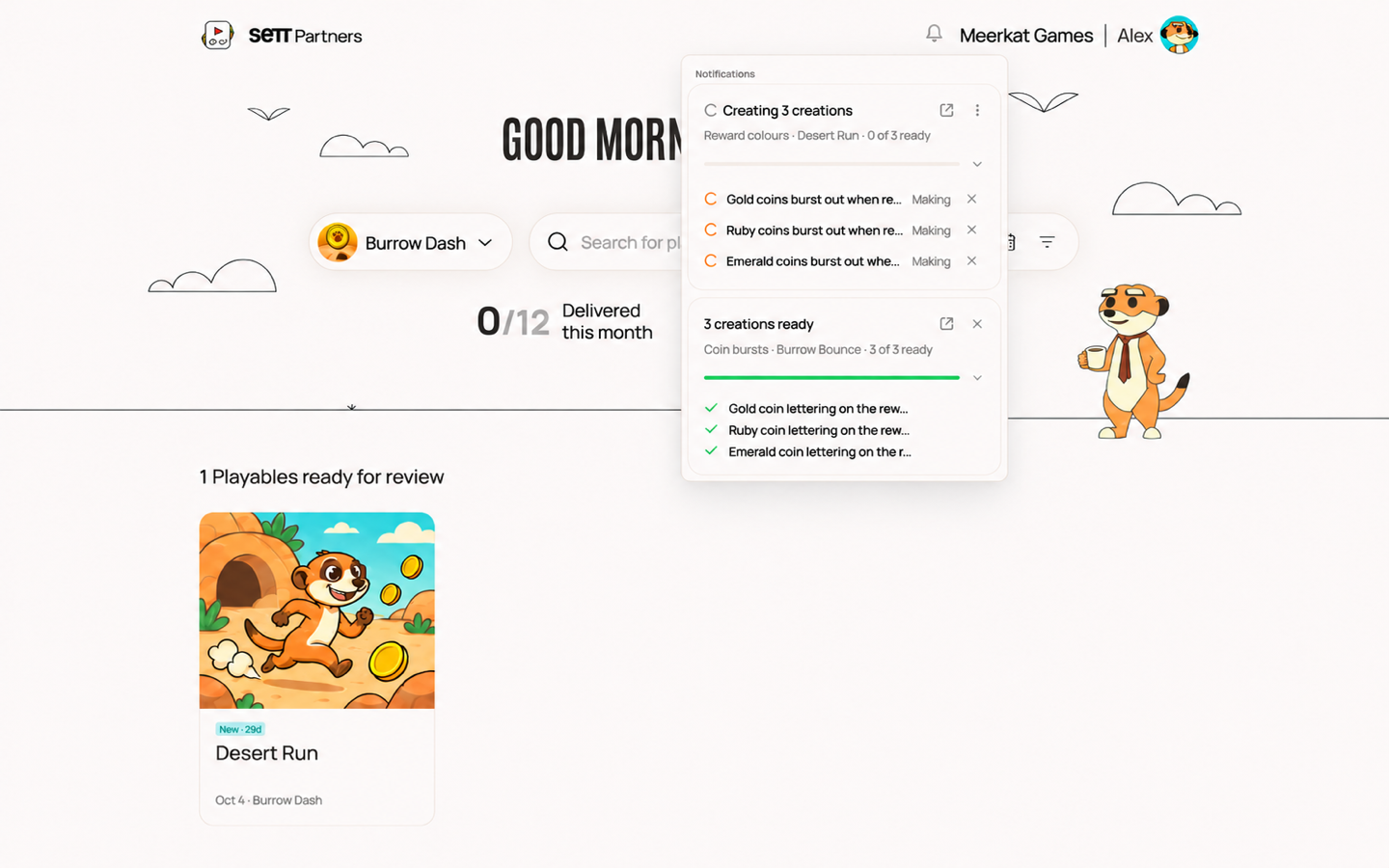
Keep exploring, and check the bell at the top right for updates from any page.
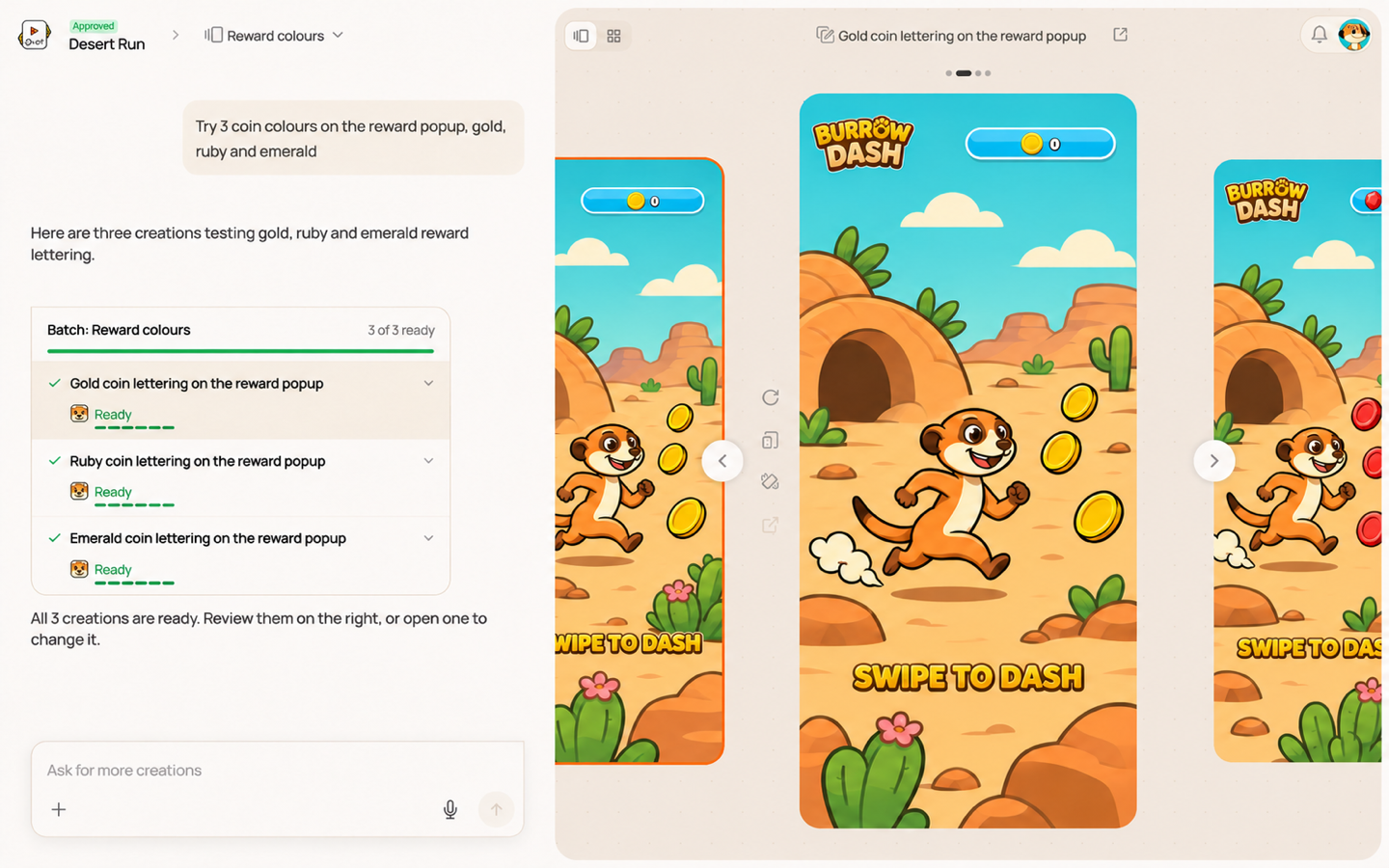
Try them out
Flip through your ready creations and give each one a play.
Open any creation to chat with the agent or edit it.
Revisit your batch
Find all your creations together under the batch name in Creations. Click the batch name to pick up where you left off.
Build any creation to give it its own Package.
Want to start from something you already have? Click the duplicate button on the Delivery or any creation to start a new creation with a fresh chat.